KETIV Jumpstart for Autodesk AutoCAD
AutoCAD is a powerful software used by professionals in various fields, including architecture, engineering, construction, and manufacturing. It allows users to create precise and detailed drawings, annotate designs, collaborate with others, and generate accurate documentation.
Are you ready to jumpstart your AutoCAD performance? Within this article, we’ve put together a guided video series along with all the resources you will need to get started in AutoCAD today.
Related Product:
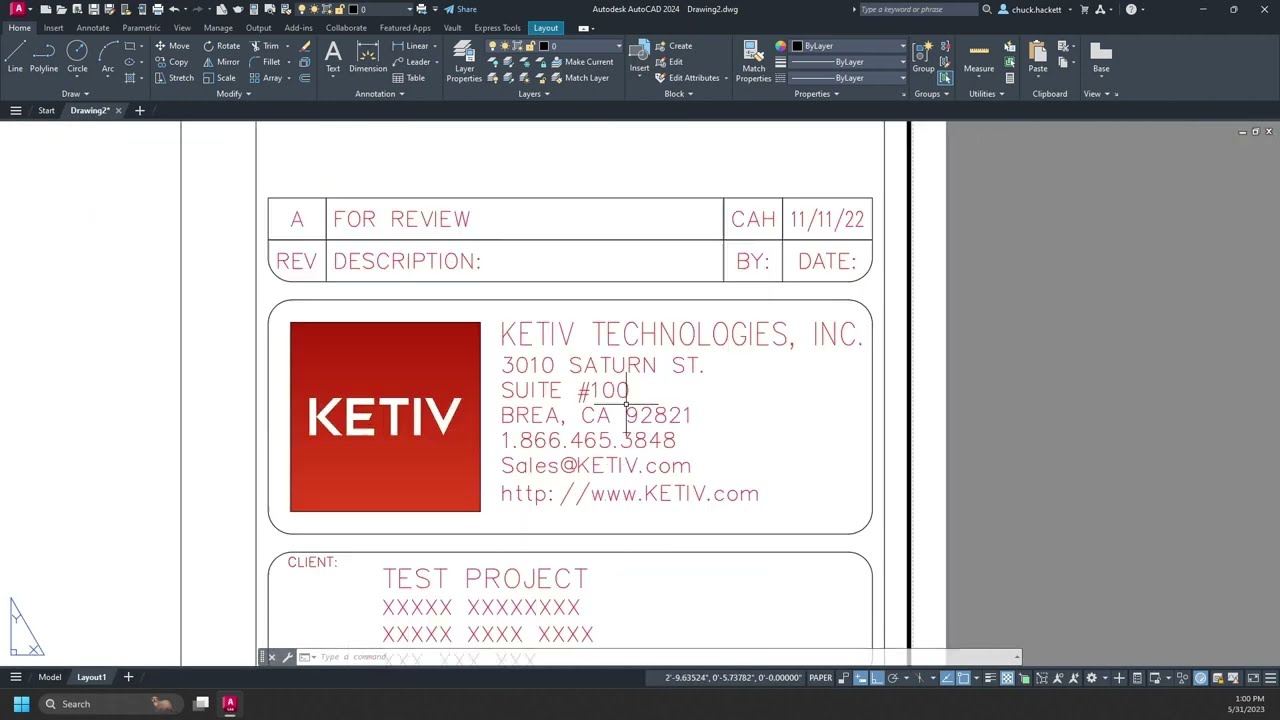
Begin your AutoCAD journey by familiarizing yourself with the user interface. Once installed, open AutoCAD and take some time to explore the different menus, toolbars, and panels. This video will help you understand the layout and location of the most essential features and tools.
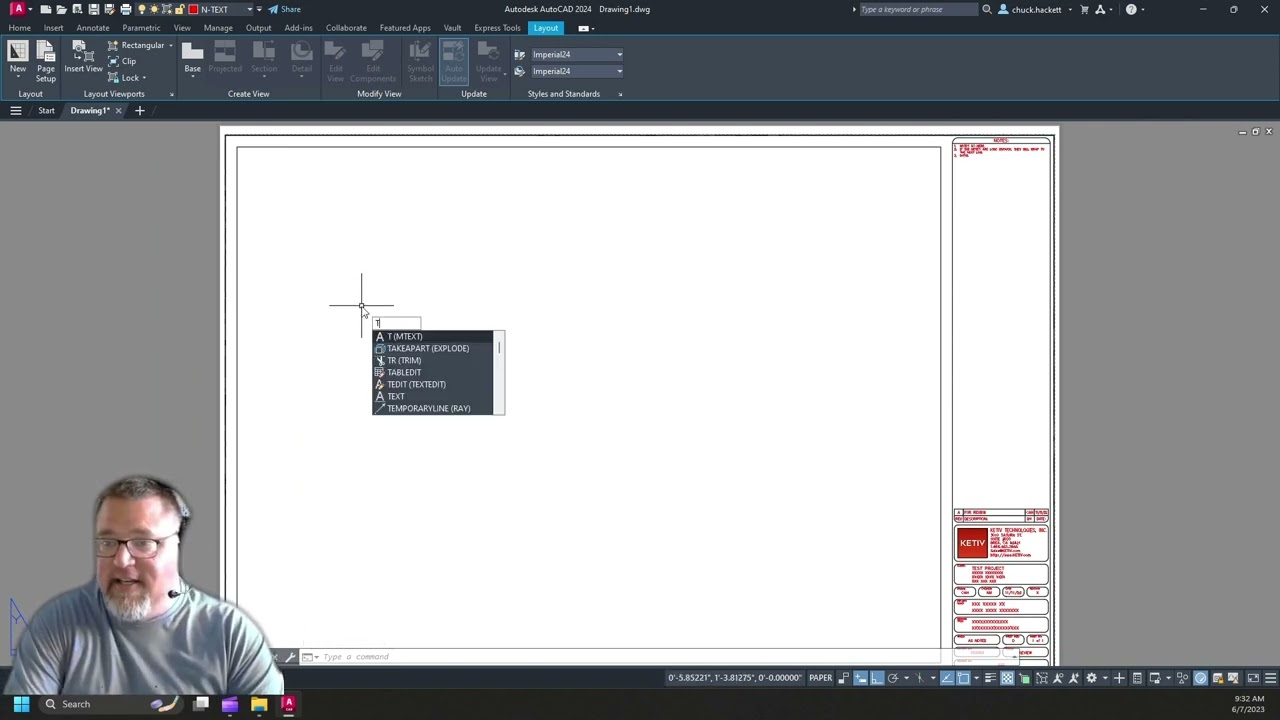
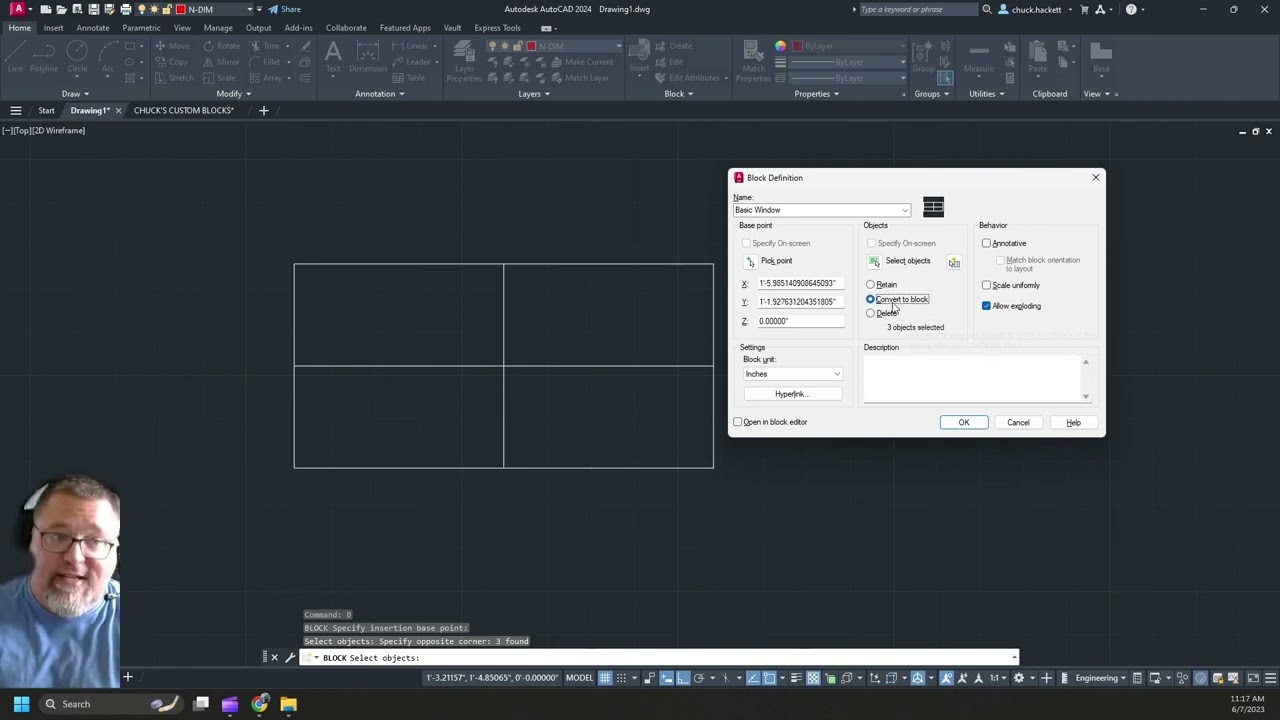
In this video, you will be introduced to the building blocks of AutoCAD, blocks. Blocks are named groups of objects that act as a single 2D or 3D object. You can use them to create repeated content, such as drawing symbols, common components, and standard details.
Additional Learning Resources
Getting Started in AutoCAD
Autodesk has created this great learning path that will walk you through getting started with AutoCAD. This, along with other learning resources, can be found inside of AutoCAD under the ‘Learning’ section of your Start tab. We highly recommend you start here.

Below you can check out Autodesk’s learning pathways to help you expand your AutoCAD skills. It features self-paced courses, tutorials, and learning modules.
After completion of the learning pathways, prove your skills by earning an industry-recognized certification to showcase your skills and accelerate your career.
KETIV Virtual Academy
Tune in every Thursday to catch the latest in design and manufacturing technology. Learn what’s new in software, get technical tips and training, and engage with experts who use this stuff every day, for free! Check out the playlist below of KETIV’s past AutoCAD presentations, including What’s New in each release since 2017, along with many AutoCAD tips and tricks.
Looking for Deeper Content?
Explore the link below where you’ll find KETIV’s free advanced training videos, covering a variety of topics and products to help take your Autodesk product knowledge to the next level.
Autodesk Knowledge Base
A vast community in which users, educators, resellers, and Autodesk employees come to share and learn from the 1 million+ pieces of help, support and learning content.
Autodesk University
Here you can tune in to live webinars from industry experts, access on-demand learning, and participate in many other Autodesk Community events.
Go Beyond the Basics
Are you ready to go beyond the basics with learning content catered to your specific needs?
KETIV offers several course formats to fit your training needs, available for individuals or teams. Whether you choose an e-learning course or one of our live training offerings, we will work with you to understand your goals and help you with workflows that make sense for your use, above and beyond the basics. Please contact support and your agent will schedule a discussion about how we can best meet your needs.
eLearning – Gain full control of your learning experience with self-paced online instruction.
KETIV Training Subscription – Coming soon! Design a unique program that caters to your needs, with a combination of live training and self-paced online courses.
Custom Training – Experience live instruction from one of our product experts
KETIV Support Team | support.ketiv.com | 866.465.3848